How-to
3 October 2026
OS: Android
Updating Japanese Sharps outside Japan in 2026
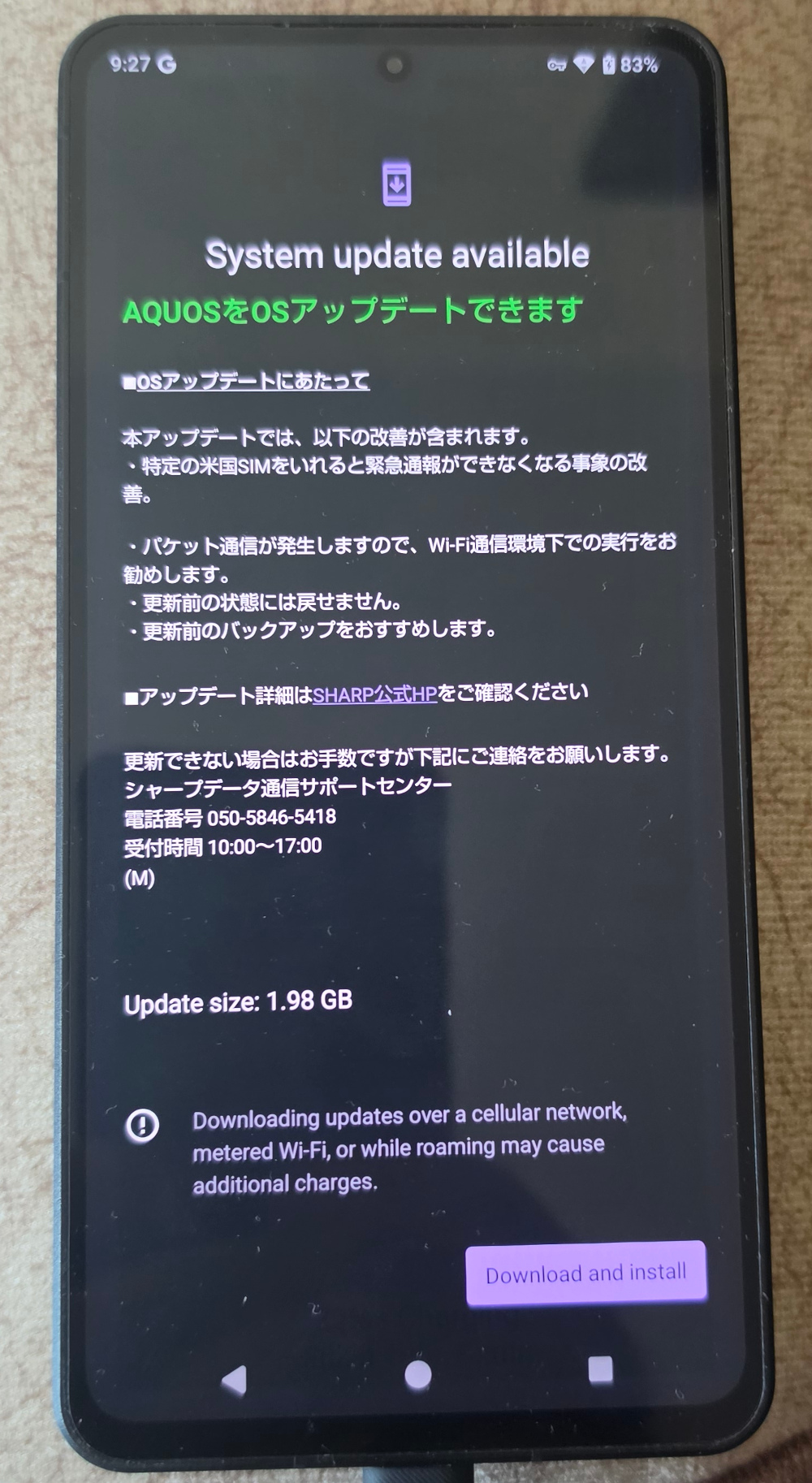
The upgrade to Android 16 for my AQUOS R8 pro SH-80P (the SIM-free version) rolled out in March. Since then, I have tried quite a few times to upgrade it following the steps in my 2022 article, which...
22 August 2022
OS: Android
Updating Japanese Sharps outside Japan in 2022
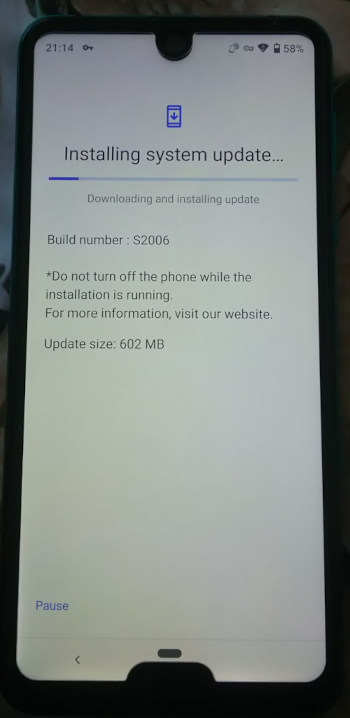
An XDA user has published a guide to updating Sharp Androids outside of Japan that does not involve resetting your phone to factory settings.
I have just tested this method and have successfully updated...
15 November 2021
OS: Android
Updating Japanese Sharps outside Japan in 2021
Here's how to update your Japanese Sharp phone if you're outside of Japan. The guide applies not only to carrier-branded devices (such as Docomo and SoftBank) but also for the SIM-free phones.
This method...
12 March 2019
OS: Android
Remove System Apps Without Root!
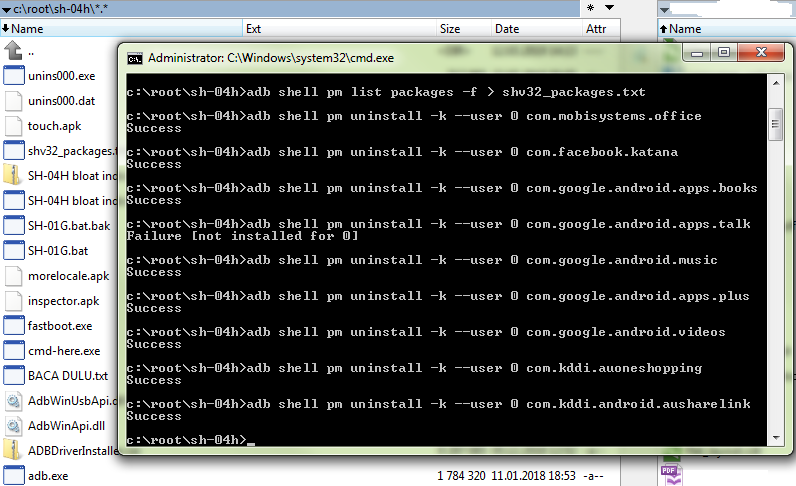
It is possible to remove system apps from your Sharp Android without rooting the device.
Well, this method doesn't completely uninstall the app, it only removes it for the current user. But this is perfectly...
24 August 2018
OS: Android
Problems switching between G and 3G/4G
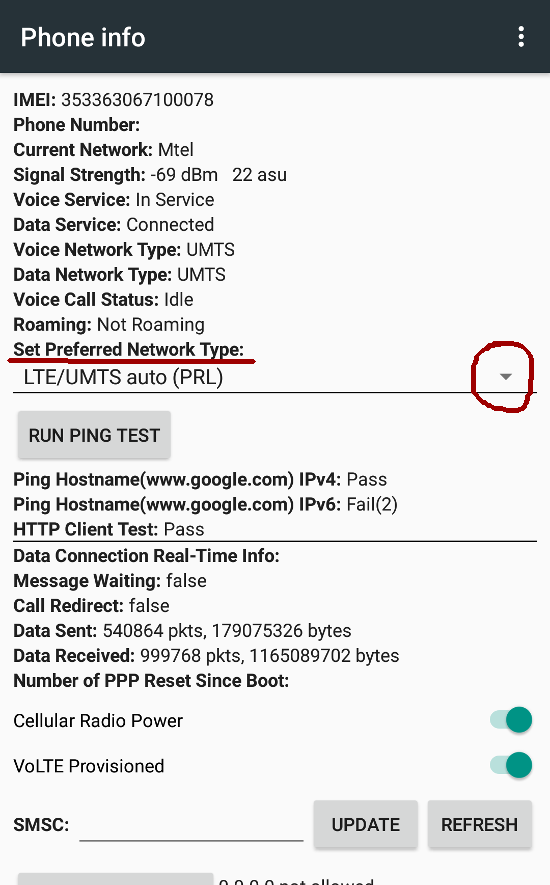
Some Sharp phones are experiencing problems switching radio frequencies, in particular changing from 2G/GSM (EDGE – shows "G" above the signal bars) back to 3G/HSPA (shows "3G" or "H") or 4G/LTE (shows...

6 February 2018
OS: Android
Enter recovery mode on the Aquos S2
How to enter recovery wode on the Sharp Aquos S2?
Do the following:
1. Turn off (power off) the Aquos S2.
2. Plug in a USB cable that is connected to a computer.
3. Simultaneously press the Volume...
12 December 2017
OS: Android
Supported Frequency Bands on Sharp Phones
I have tried to add the supported frequencies for every model I could, but if you want a quick-access list straight from the horse's mouth, follow the links below for each carrier.
Only models released...
28 May 2017
OS: Android
Unblock Tethering on Softbank Devices
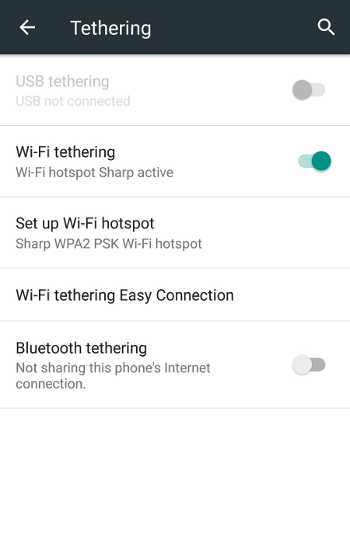
Softbank are playing nasty and have removed the standard Tethering option from the Android menu, replacing it with their own app that requires you to login using a Softbank account – and for that you...
21 April 2017
OS: Android
How to block calls from specified numbers on a Sharp phone
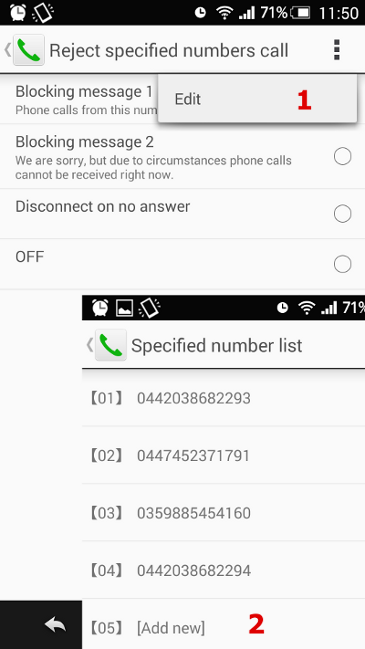
If you want to prevent specific numbers from calling you, here's how to do this on a Sharp phone:
Open Settings, then Call, then Reject call setting, enter your security key when prompted, then tap Reject...
25 November 2015
OS: Android
SIM-locked Features and Supported Frequencies
After I switched to Aquos Zeta SH-01G in September 2015, I noticed that some of the cool features that the new Sharp devices flaunt are actually unavailable outside Japan, although this is not expressly...
15 June 2015
OS: Android
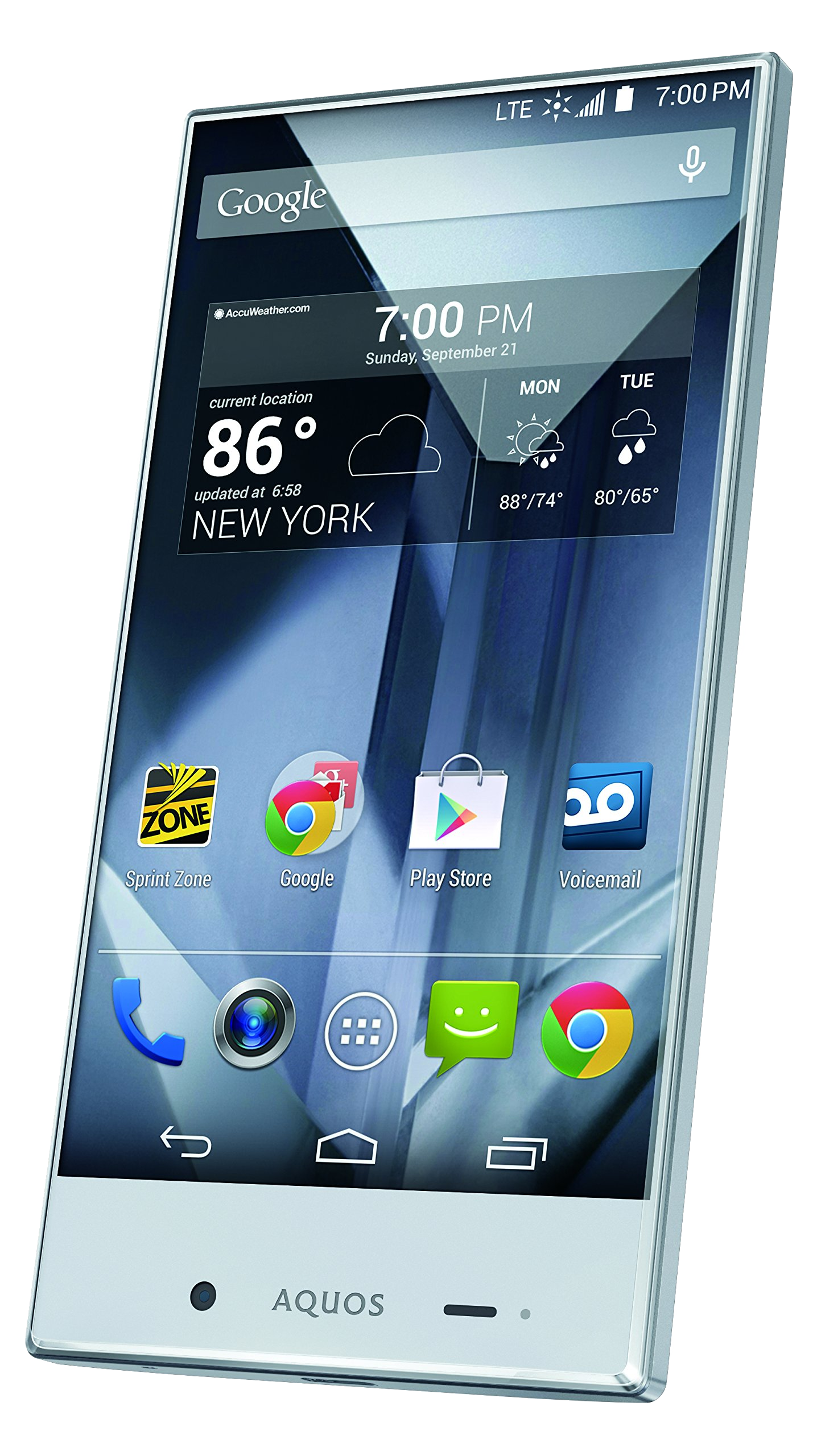
Root for Aquos Crystal 306SH, Aquos Zeta SH-01G
[Last updated: 1 May 2016]
Apparently, the Aquos Crystal 306SH and the Aquos Zeta SH-01G can be rooted now, thanks to tewilove.
However, the app requires a passcode to use, which tewilove asks a fee...
3 January 2015
OS: Android
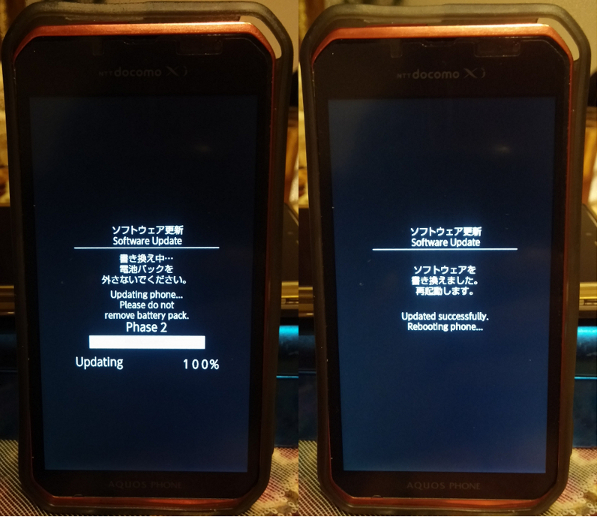
UpAny - Update your Sharp phone outside of Japan
There is an application on Google Play called UpAny (SHARP OTA outside Japan) which should allow you to upate your Sharp Android smartphone without having to take the phone to Japan. The software made...
19 April 2014
OS: Android
Sharp ADB Drivers
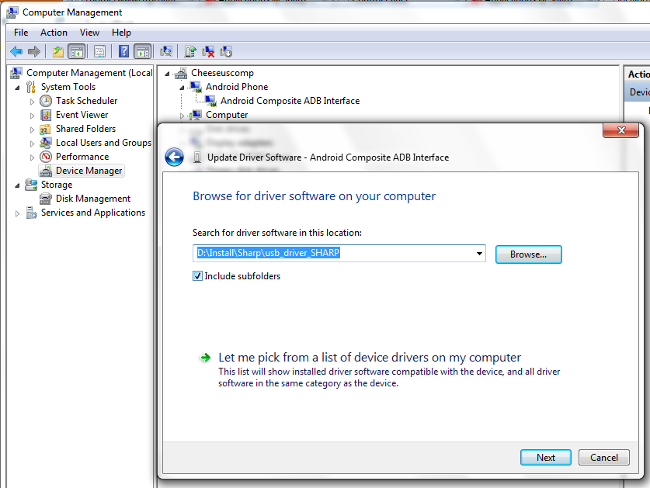
For any communication between your Sharp phone and your PC, e.g. use of rootkits, you need the Sharp ADB drivers.
The latest version of the driver package can be downloaded here: http://k-tai.sharp.co.jp/support/developers/driver/index.html...
7 March 2014
OS: Android
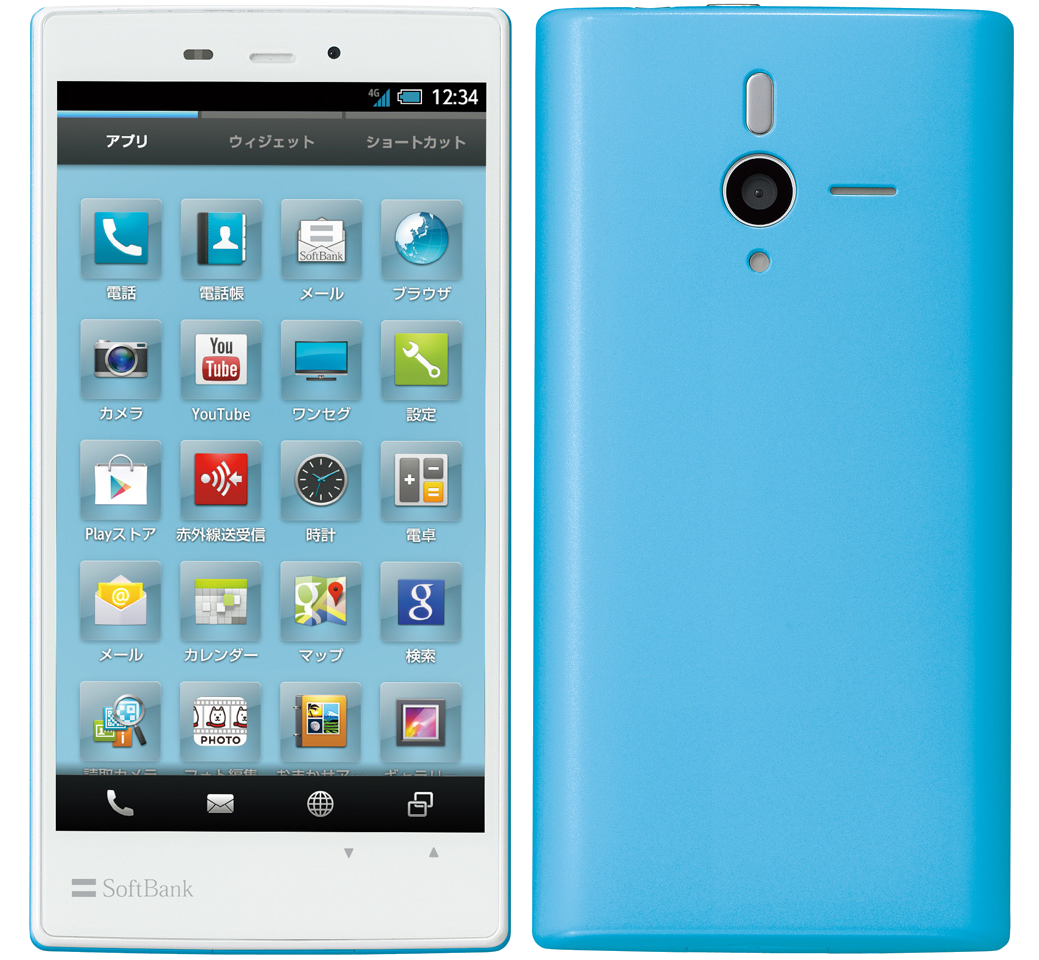
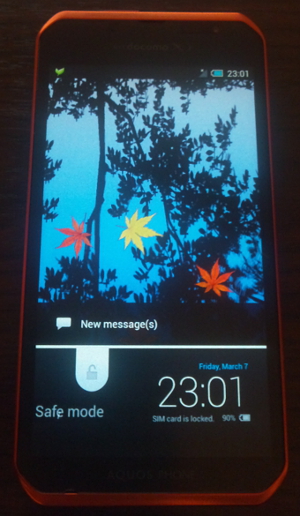
Safe Mode on SH-07D, SH-09D, SH-10D and newer
You can boot the SH-10D and newer models * into Safe Mode.
The below instructions apply for all models that do not have a hardware MENU button, e.g. SH-07D, SH-09D, SH-10D, and all newer models.
To...