How-to
26 February 2014
OS: Android
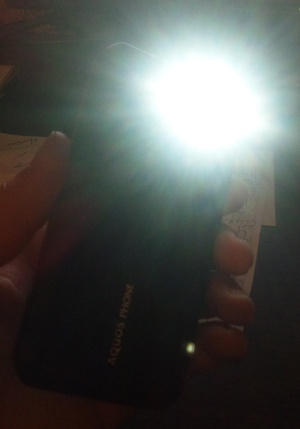
Flashlight mode on your Sharp smartphone
Pretty sure everyone's needed to use their smartphone as a flashlight at some point. And we've tried turning the screen on or even installing flashlight apps...
Because we didn't know Sharp have a built...
12 November 2013
OS: Android
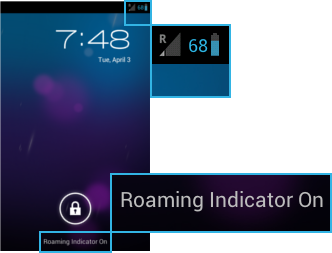
Roaming problem on SIM-unlocked Docomo phones
In rare cases, users have complained that their Docomo smartphone (Sharp or other brands), still shows the "R" sign for roaming, although the phone has been SIM-unlocked. The phone "thinks" it is roaming,...
30 July 2013
OS: Android
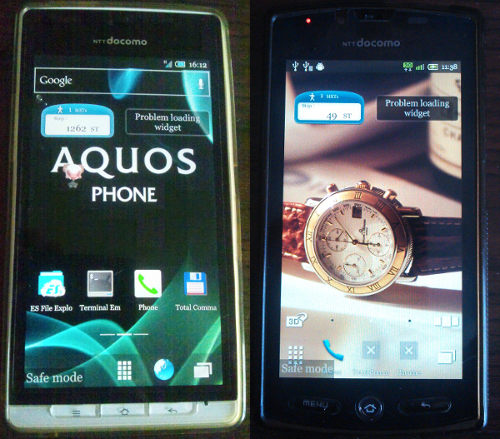
Safe Mode - SH-12C, SH-13C, SH-01D, SH-02D, SH-04D, SH-06D
You can boot your Sharp Android phone into Safe Mode.
The below instructions apply for all models that have a hardware MENU button, e.g. SH-12C, SH-13C, SH-01D, SH-02D, SH-04D, SH-06D.
To boot into...
27 July 2013
OS: Android
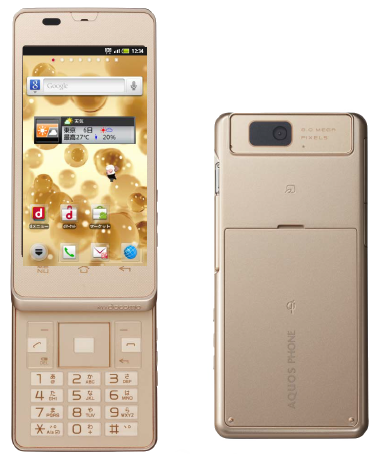
Temporary root - SH-02D
Here are instructions on acquiring temporary root on the Sharp Docomo SH-02D. Original instructions in Japanese are here: http://d.hatena.ne.jp/TAKETYON/20130609
- Download and install the following apps...
18 July 2013
OS: Android
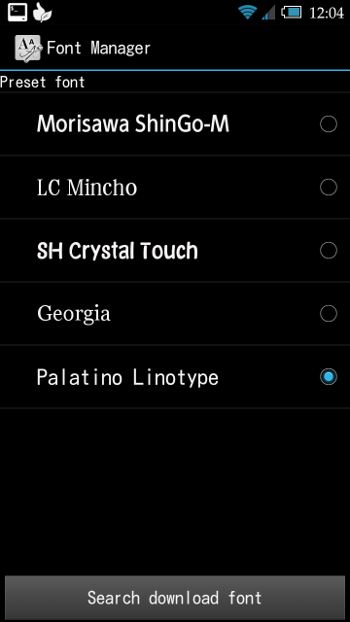
Cheating Font Manager and Adding Custom Fonts
Here is a new method to cheat Sharp's Font Manager and add custom fonts of your choice. Root is required!
Instructions:
1. Find the font you want.
2. Rename it to Roboto-Regular.ttf.
3. Mount /system...
29 June 2013
OS: Android
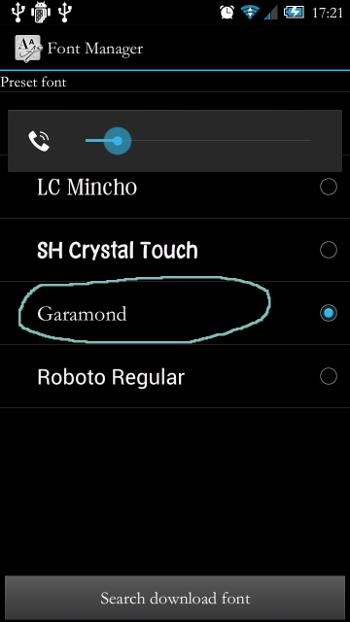
Adding custom fonts on your Sharp Android
NB! ONLY FOR DOCOMO / AU MODELS! This does not work for SOFTBANK models!
The Font Manager which is built into our Sharp Android smartphones is very restrictive - or, let's call things by their real names...

23 May 2013
OS: Android
Permanent root on SH-12C
Instructions for aquiring permanent root access on the the Docomo SH-12C have been available for a while now on Japanese blogs. A while ago I asked XDA member ghostparty13 to help translate them into...
6 February 2013
OS: Android
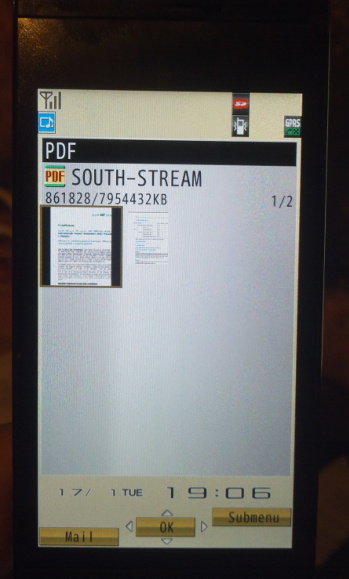
View PDF files on your Docomo keitai
Sharp Docomo keitais* can display PDF files. There are two way you can upload your PDF files to the phone.
1. Using the Docomo File Manager app:
- Connect your phone to your PC using a USB data cable....
6 February 2013
OS: Android
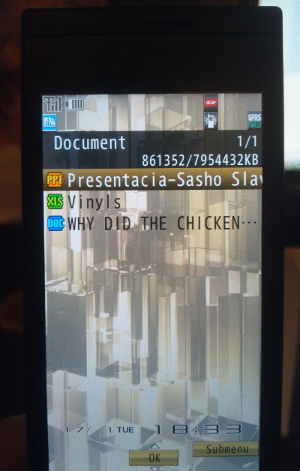
View MS Office files (.DOC, .XLS., PPT) on your Docomo keitai
Sharp Docomo keitais* can display Microsoft Office files - MS Word (.DOC), MS Excel (.XLS) and MS PowerPoint (.PPT). The new Office 2007/2010 formats - .DOCX, .XLSX, .PPTX - are not supported.
Uploading...
5 January 2013
OS: Android
Disable Apps on the SH-12C
Below is a list of pre-installed (system) apps that can be safely disabled on the SH-12C after getting temp root access - see article on SHBreak.
For instaructions on how to disable and re-enable apps,...
26 October 2012
OS: Android
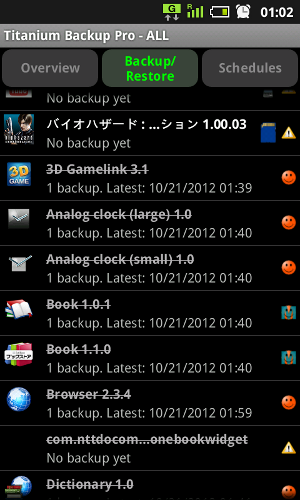
System apps that can be uninstalled on the 005SH
My 005SH is rooted using the 20120614 Rootkit and I have successfully uninstalled quite a few of the built-in apps. Here's how:
1. Install Titanium Backup Pro. You will need it to first make backups...
30 March 2012
OS: Android
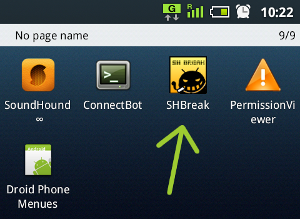
SHBreak - Temp Root for SoftBank 005SH / Docomo SH-12C
The SHBreak application will allow you to get temporary root access on your Sharp Android phone.
SHBreak v. 1.7 works on both the 005SH and the SH-12C, but SHBreak v.1.8 only works on the 005SH. There...
27 March 2012
OS: Android
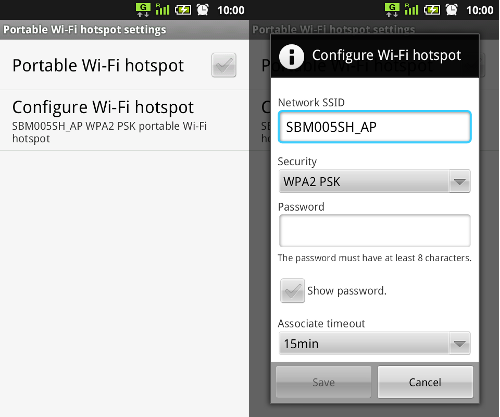
Wi-Fi Tethering - easy, no root required
Wi-Fi tethering is disabled on earlier Japanese Android smartphones - all models running Gingerbread - the tethering menu has been hidden.
You can get wi-fi tethering to work using one of the following...
25 March 2012
OS: Android
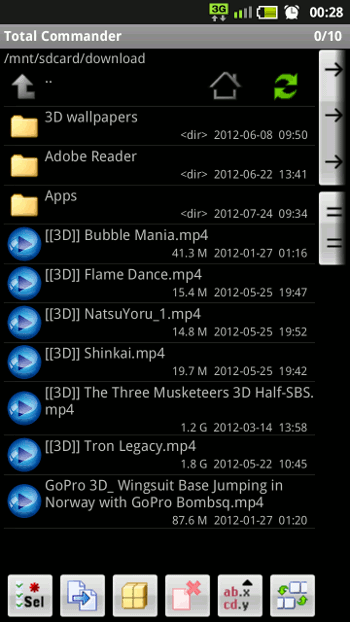
Watch 3D films on your phone in HD!
All Sharp 3D capable Android phones can play HD (720p) 3D films. Devices equipped with dual core processors, e.g. the SH-01D and all newer models, can play 1080p too.
The films must be in either the...
8 February 2012
OS: Android
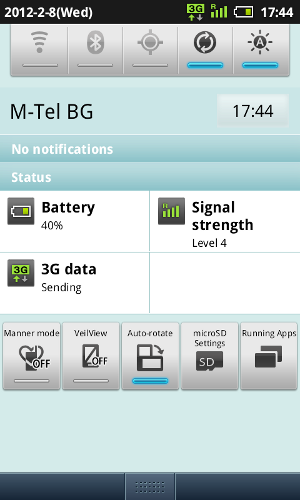
3G data works with new hypersim on the 005SH
Getting 3G data to work on a hypersim-unlocked SoftBank Android isn't an easy job. Few hyperims will let your phone connect to the 3G network - my old generic hypersim (bought in 2008) does the trick...