How-to
24 January 2012
OS: Android
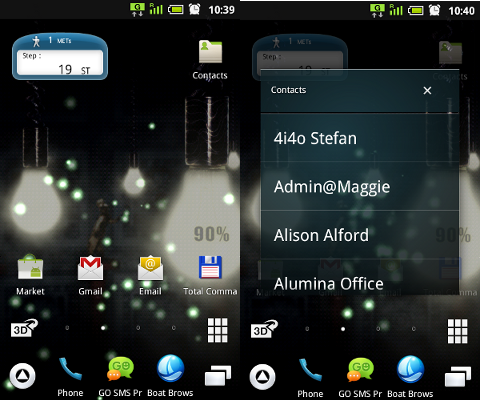
Quick Access to Address Book in Alphabetical Order
I suppose most of you keitai users & lovers are annoyed by the way in which the Contacts List (Address Book) on your Japanese phone works and displays the list of names. So, here's a quick and easy...
13 January 2012
OS: Android
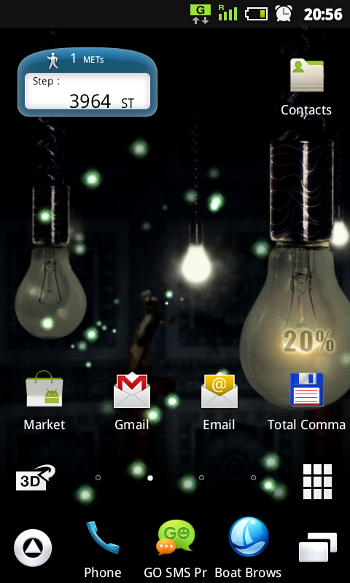
Screenshot / Screen Capture on Japanese Android Phones
It is fairly easy to capture the screen of your Sharp Android phone. A special combination of hardware buttons is used for this purpose:
On phones running Android 2.3.x, press POWER and HOME buttons...
10 January 2012
OS: Android
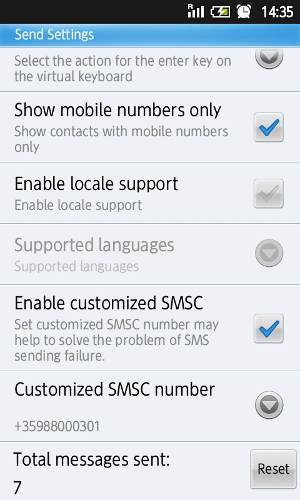
SMS / MMS on Japanese Android Phones
The SMS centre number and the MMS settings on DoCoMo and SoftBank Android phones as used by the built-in SMS application cannot be changed, which means that you cannot send or receive SMS / MMS if you...
21 December 2011
OS: Android
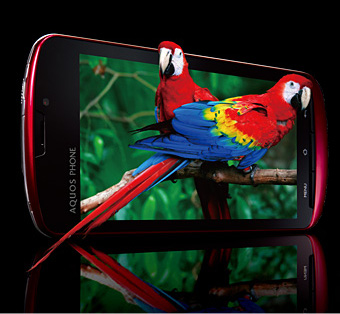
Watching 3D videos on your Sharp keitai/smartphone
The Galapagos 003SH and 005SH are the world's first 3D capable phones. They were followed by the
- DoCoMo SH-03C
- DoCoMo SH-10C (non-Android),
- DoCoMo SH-12C,
- DoCoMo SH-01D,
- SoftBank 006SH,
- SoftBank 007SH...
16 May 2010
OS: WinMobile
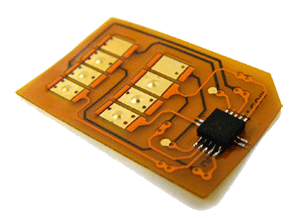
Unlocking the Wireless LAN and USB host on the EM ONE
You cannot use the Wi-Fi or the USB host on the EM ONE (S01SH) unless the E-Mobile SIM card is in the device (there is a chance that the Bluetooth is locked as well). Unfortunately, many of the S01SH...
16 August 2009
OS: WinMobile
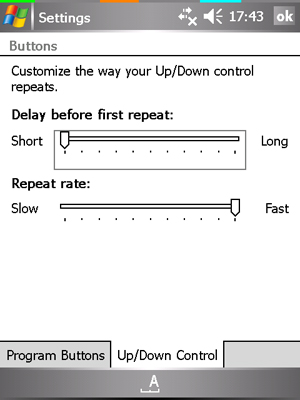
Faster Input on the EM ONE (S01SH)
Go to Settings > Personal > Buttons > Up/Down Control. Change default values by sliding the bar:
Set "Delay before first repeat" to shortest, then "Repeat rate" to fastest.
Settings recommended at http://bbb96.exblog.jp/6457364/...
16 August 2009
OS: WinMobile
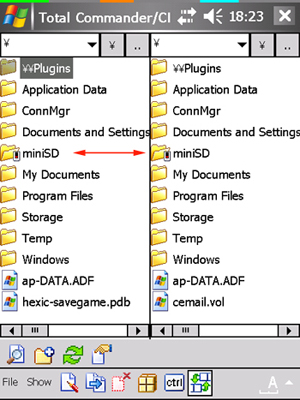
Rename Storage Card on the EM ONE/W-ZERO3
Here is how to rename the Storage Card (path).
Using your Registry editor (I use the one built in Total Commander), go to:
¥HKEY_LOCAL_MACHINE¥System¥StorageManager¥Profiles¥SDMemory¥Folder
Edit the name...
16 August 2009
OS: WinMobile
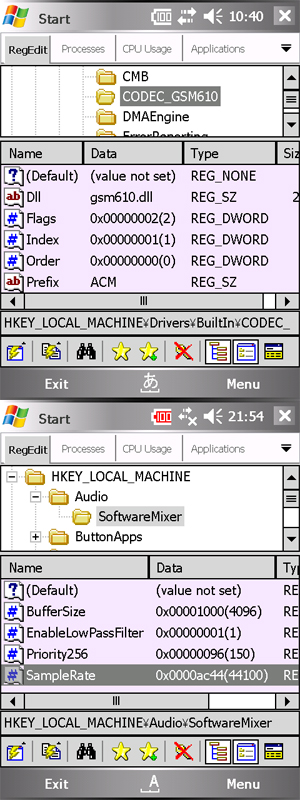
Better Sound on W-ZERO3
Instructions on how to edit Registry and improve sound quality on the W-Zero3.
1. Using your Registry Editor, go to HKEY_LOCAL_MACHINE\Drivers\Builtin\CODEC_GSM610.
2. Find gsm610.acm key and rename it...
16 August 2009
OS: WinMobile
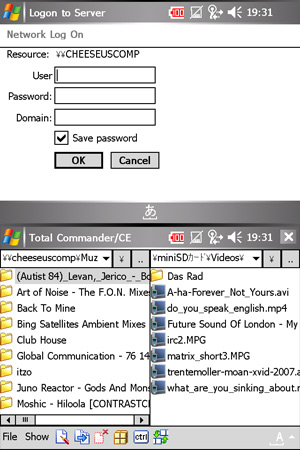
File Explorers Comparison
There are four different File Explorers you can use on the W-ZERO3 (or perhaps even more, but these are the ones I know of). Below is a comparison of these:
| Name | RAM usage | No. of processes | Network access... |
16 August 2009
OS: WinMobile
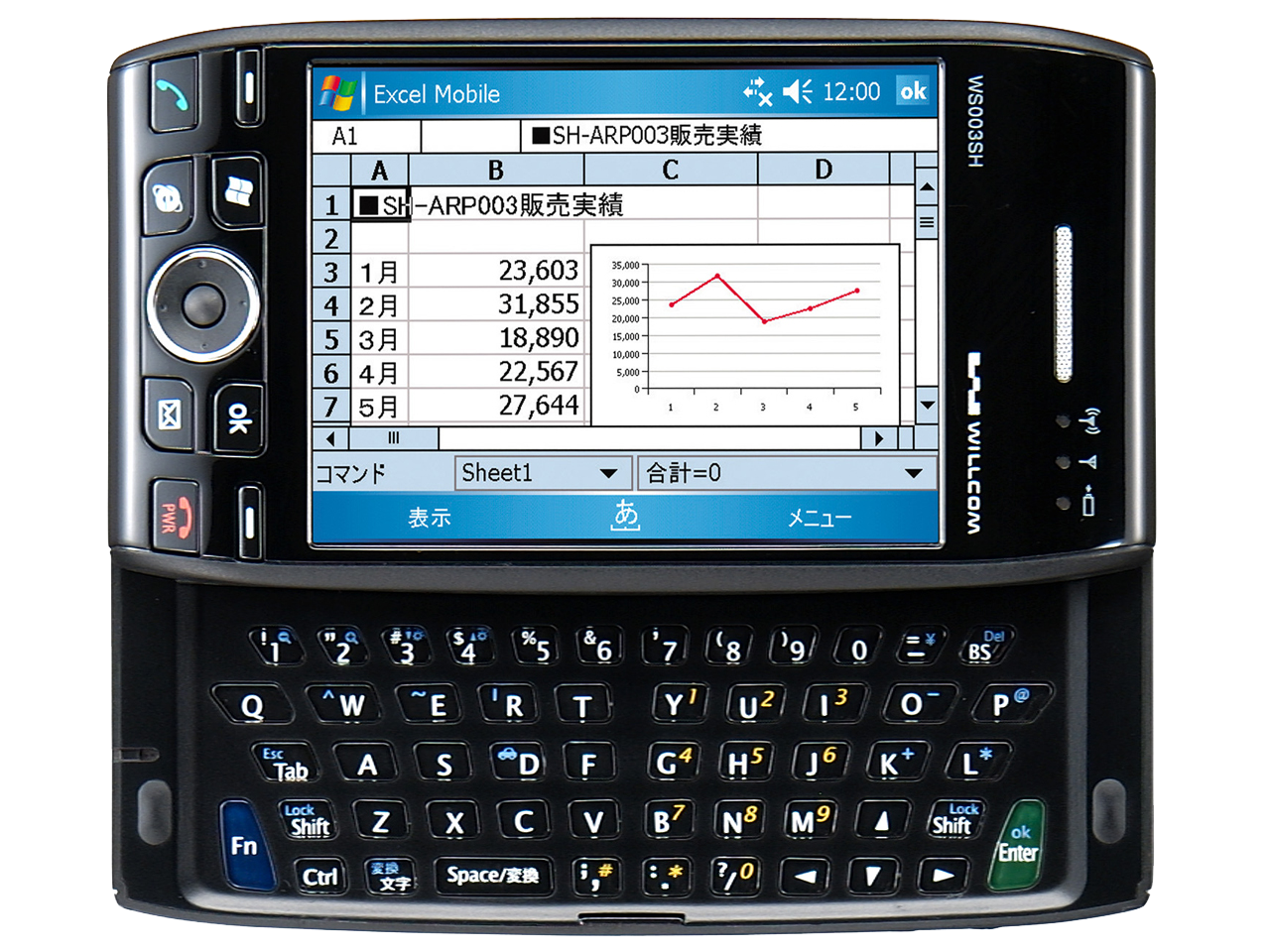
Keyboard shortcuts on the S01SH / W-ZERO3
- Fn + Shift + C takes screenshot and saves it in the format SCRN***.bmp in My Device folder.
- Fn + 1 = decrease font size on Today screen
- Fn + 2 = increase font size on Today screen
- Fn + 3 = reduce...
16 August 2009
OS: WinMobile
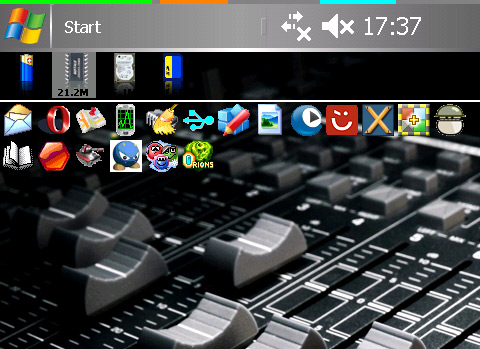
Free Memory
The WS003SH has 64MB of RAM, where about 20MB are used by Windows, leaving 43.62MB "free". Another 27-28MB are used by the system (device) memory. This leaves around 14-17MB memory available to the user....
16 August 2009
OS: WinMobile
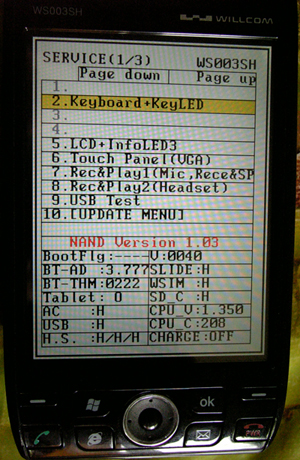
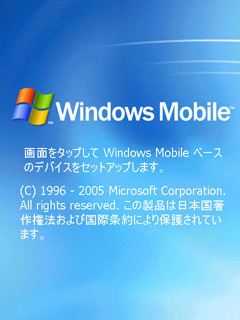
Service Menu on the W-ZERO3 / EM ONE
The Service Menu offers a number of engineering options for the W-ZERO3, such as NAND Flash backup/restore, speed tests, key function check etc.
To enter the Service Menu, open the slideout keyboard,...
16 August 2009
OS: WinMobile
Hard Reset on the W-ZERO3 / EM ONE
To hard reset (format) your W-ZERO3 (WS003SH),
- Remove battery;
- Press and hold reset button;
- While holding, put battery back in;
- Press [Fn] + [F] + Power ON and then OK to confirm;
- Shortly after,...
16 August 2009
OS: WinMobile
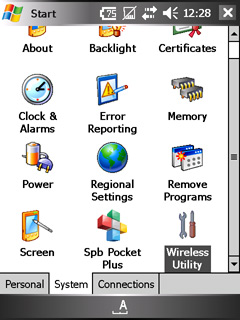
W-ZERO3 & EM One - Switch the User Interface to English
W-ZERO3: In order to change the device user interface to English, you will need to install the Asukaly Localize Tool, available in the Downloads sections.
- Install ENG_mui4Zero3.cab to your device...