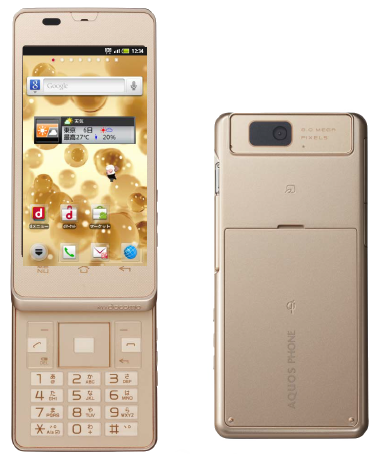
Temporary root - SH-02D
Created:
OS: Android
Here are instructions on acquiring temporary root on the Sharp Docomo SH-02D. Original instructions in Japanese are here: http://d.hatena.ne.jp/TAKETYON/20130609
- Download and install the following apps (do not launch them yet):
- Enable USB debugging on the phone (Settings > Applications > Development).
- Turn off Wi-Fi, mobile network, GPS and Bluetooth.
- Launch SHBreak_v4.
- Close SHBreak_v4 by tapping the "Exit" button.
- Wait for 30 seconds.
- Launch SHBreak_v4 again.
- Tick "nand unlock" and "debugging" if they are not ticked.
- Tap the "Break!" button.
- After a few seconds, a dialog should be displayed with a lot of info. Close it by tapping "OK".
- Close SHBreak_v4 by tapping "Exit".
- Launch AndroTweak.
- Go to the "Tools" tab and tap "Enable su command".
- In the status bar, a notification that SU has been activated should appear.
You now have temporary root permissions. They will disappear after reboot. Check if all wireless communications work properly after rebooting.
Disabling pre-installed applications:
- If you have rebooted the phone, run steps 3-11. Then launch AndroTweak.
- Go to the "Applications" tab.
- Select "Application Management".
- Select the "/system/app" tab.
- Disable the application(s) you want.
- Select the "Tools" tab.
- Tap "Clear cache".
- Close the application.
For a list of applications that can be safely disabled, please visit the original link above.
Do not forget to first re-enable all disabled applications if you decide to reset the phone to factory settings.
Advertisement