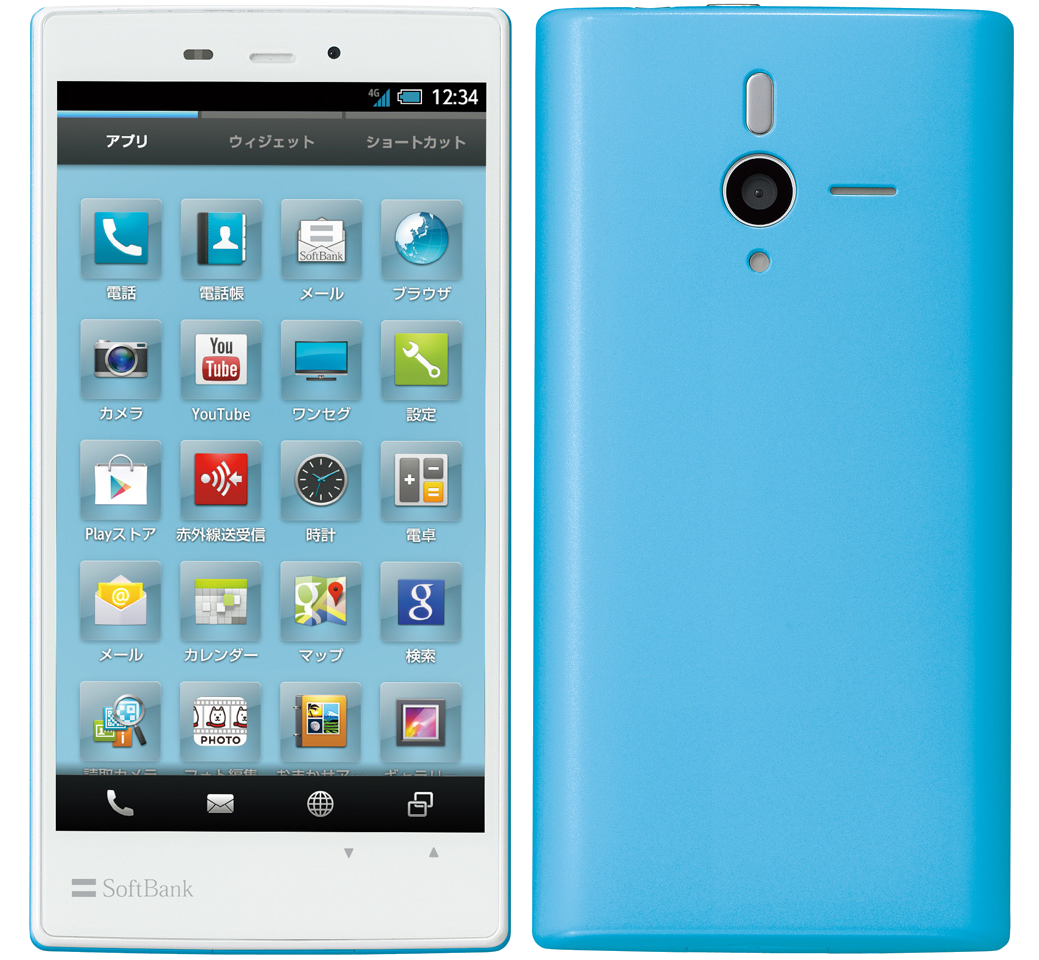
Root SoftBank 200SH/205SH
Created:
According to this post (in Japanese), the 200SH can be rooted using Sharp Android Rooting Tools ver. 6.1, although this model is not specifically listed in the original Readme file.
Below is a translation of the instructions, which apply for Android 4.1.2, Build version S1004, baseband 1.00.00. Please send your feedback if successful (on this or other build versions) using the comments option below.
On the 2CH forums, at least one user reports that rooting is also possible for the 205SH, build version S0008, but not for S0002. Another users reports that only temp root is possible (Option #1), while another mentions that the phone went into a boot loop after a reboot after acquiring permanent root (Options 1-2-3).
INSTRUCTIONS:
1. Install the Sharp ADB driver.
2. Download the rootkit from the link above.
3. Turn on USB debugging and disable Sleep mode.
4. Connect the phone to your PC.
5. Change USB connection mode to Card Reader.
6. Launch start.bat of the rootkit.
7. Run options 1 to 3, one after the other. This takes time but have patience. When complete, the phone will be rooted.
8. Make sure you disable automatic updates or an automatically installed update will brick your phone!
Advertisement