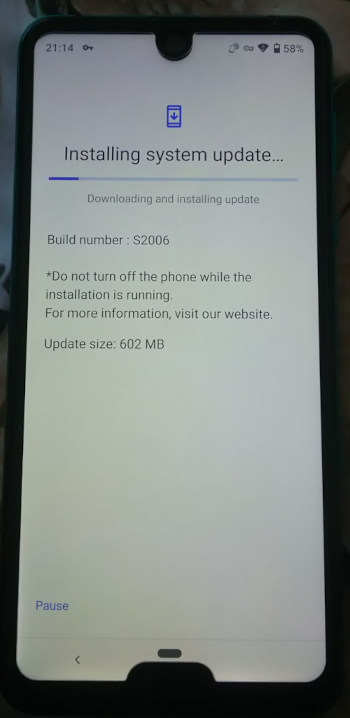
Updating Japanese Sharps outside Japan in 2022
Created:
OS: Android
An XDA user has published a guide to updating Sharp Androids outside of Japan that does not involve resetting your phone to factory settings.
I have just tested this method and have successfully updated my SoftBank phone with it without resetting my phone.
The steps are as follows (copying from XDA with some edits for grammar):
- Download and install a VPN app (Proton VPN recommended because its Japan server is fast and free).
- Remove the SIM card from the phone (the phone will automatically restart when you do this).
- Connect to fast Wi-Fi.
- Open Proton VPN and connect to a Japan server.
- Turn off Wi-Fi but don't kill/close your VPN app.
- Go to Settings, type in the search field: "Google Services Framework" , tap it, choose Storage, and do Clear All Data & Clear Cache.
- Now search again but for "Google Play Services". Choose storage again, tap on Manage Space and choose "Clear All Data".
- [NEW] Search again for "Google Play Services" but this time select "Google Play Services for AR". Go to Storage > Manage Space and "Clear All Data".
- Go to System Setting again and change your region to Japan.
- Turn Wi-Fi back on.
- Check the Proton VPN status on notification, make sure it's connected to Japan server.
- Now go to System Update in Settings and tap "Check for update".
- That's it, you will be able to get the OTA update and install it.
Advertisement